Back
Back










































 Shipping Basics


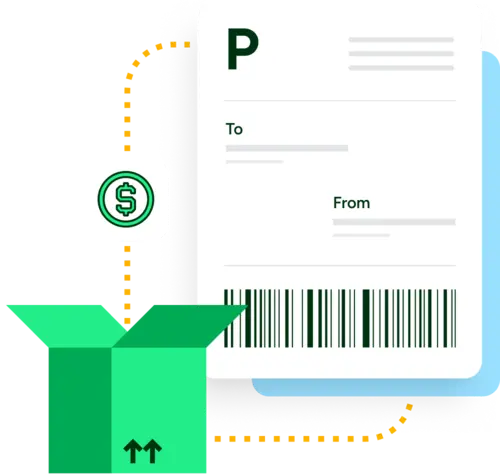
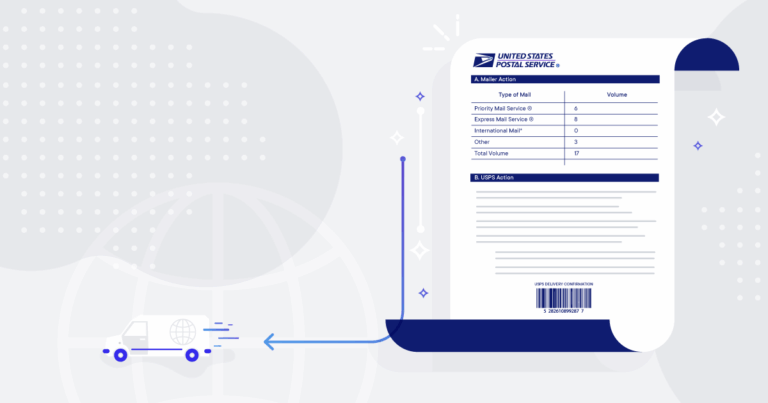
A manifest is a document that is required by some carriers to streamline the pickup process, particularly when shipping out a high-volume of ecommerce orders. It typically contains a barcode that the driver can scan when they arrive to pick up your packages.
Scanning a barcode on a manifest allows the carrier to process many shipments at once. Without a manifest, the carrier would need to scan each package individually. When picking up thousands of packages from a warehouse, scanning a manifest is far more efficient than scanning each individual package.
While ShipEngine uses the term manifest, some carriers use other terminology for their manifests, such as:
If the carrier you are using requires a manifest, then you must create a manifest every day that you create labels for that carrier. In fact, some carriers, such as USPS, have a hard cutoff time of 12:00 midnight CST, which might catch you off guard if you are operating in another time zone.
Some carriers require manifests in order to bill you. Others simply prefer it as a way to expedite picking up your daily shipments. Check out our docs to see which carriers require manifests. Depending on the carrier, you can also be required to provide different types of manifests, either electronic or physical. Let’s discuss how ShipEngine supports each type of manifest.
Some carriers require electronically submitted manifests. For these carriers, ShipEngine automatically creates and submits your manifests for you. Carriers may require an electronic manifest to be submitted before pickup so that they can better plan for the type of transportation your packages require. The size, weight, and number of packages considerably affects the space requirements for the truck that is sent to pick up your packages.
Other carriers require a physical manifest document to be provided to the driver at pickup. For these carriers, you can create your manifest by sending a POST request to the [/v1/manifests] endpoint. The request will [specify the labels to include] in the manifest, and the response will include a URL where you can download the manifest in PDF format. Then all you need to do is print the manifest and present it to the driver at pickup.
ShipEngine gives you flexibility in specifying the labels to include in the manifest. You can explicitly specify the labels to include in the manifest or implicitly specify them by indicating the labels you don’t want to include in the manifest.
The ability to filter the labels included in the manifest by carrier, warehouse and ship date, as well as the ability to explicitly specify the labels to include or exclude in the manifest helps avoid including a label in more than one manifest.
Most carriers have a limit of 500 labels per manifest. For this reason, ShipEngine automatically splits the specified labels, or the labels that match the specified criteria, into multiple manifests. The response from the API will include an array of manifests, even if your request results in only one manifest.
You can find out whether or not your carrier requires a manifest, as well as whether or not they support electronically submitted manifests or require a physical manifest document. If your carrier does require a manifest, don’t worry! Our guide on creating a manifest and our code sample on GitHub will get you started.