Back
Back











































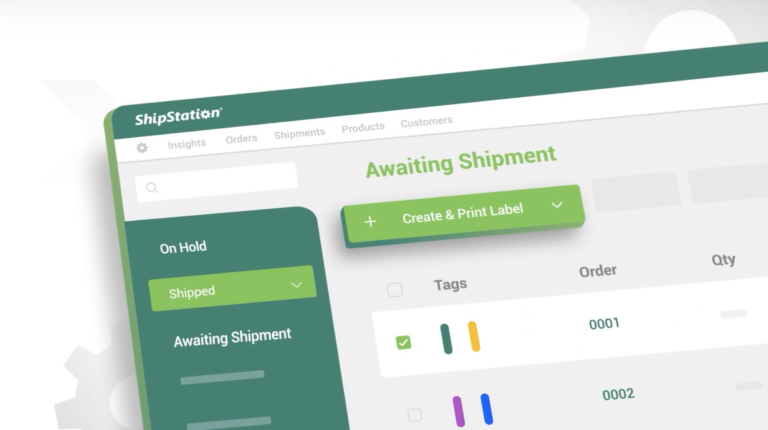
Import Orders via CSV Spreadsheets
Manage your orders easily with our ‘Import Orders via CSV Spreadsheets’ tutorial. This video will walk you through the process of uploading bulk orders to ShipStation using CSV files, which is ideal for businesses that handle large order volumes. Learn how to format your spreadsheet, map the necessary fields, and seamlessly import the data to ensure your orders are ready to process in no time.
Frequently Asked Questions
What is the process for importing orders via CSV in ShipStation?
To import orders via CSV, format your spreadsheet correctly, map the necessary fields, and follow the upload instructions in ShipStation’s tutorial.
What file formats does ShipStation support for order imports?
ShipStation primarily supports CSV file formats for importing orders.
How can I ensure my CSV file is formatted correctly?
Refer to ShipStation’s formatting guidelines provided in the tutorial to ensure all required fields are included and correctly formatted.
What should I do if my orders fail to import?
Check the error messages provided by ShipStation for specific issues, and verify your CSV file’s format and content against the guidelines.
Can I import multiple orders at once?
Yes, you can import bulk orders using a single CSV file, making it efficient for businesses with high order volumes.
Editor's picks

Related Videos